Tutorial
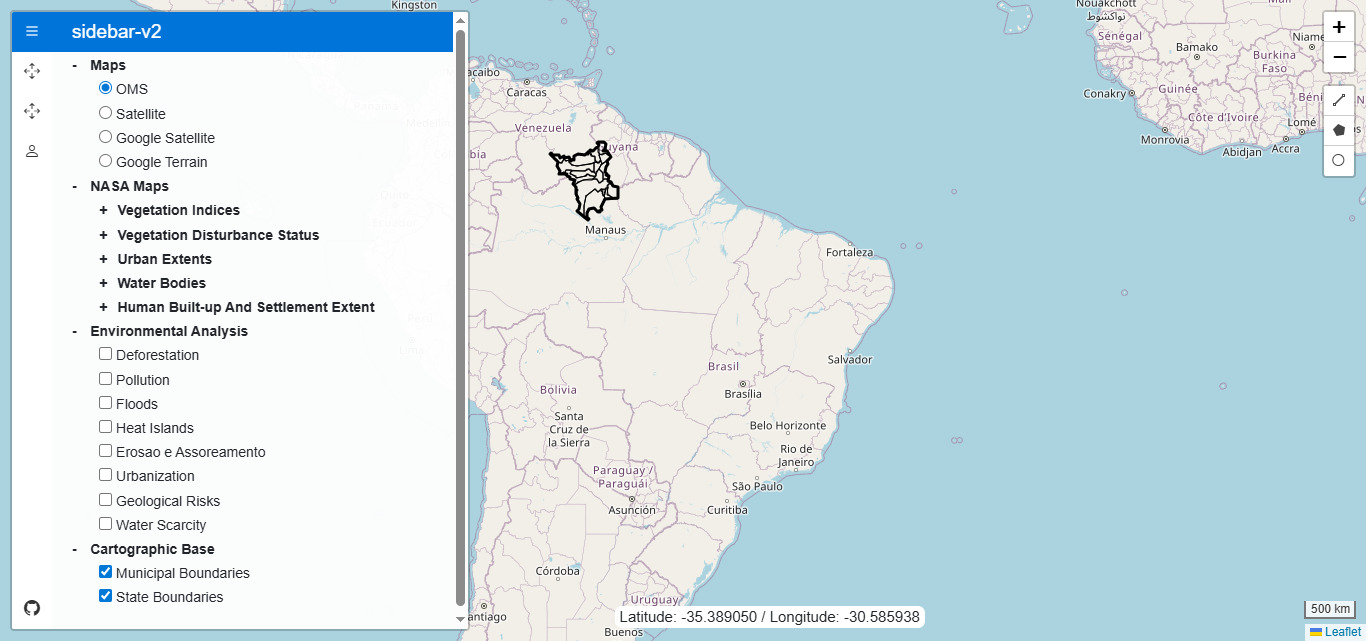
The main interface of the system consists of an interactive map and a sidebar panel that organizes different groups of layers. The user can switch between base maps, such as OpenStreetMap, Google Satellite, or Google Terrain, and activate specialized layer sets, such as environmental monitoring layers provided by NASA. These layers allow the visualization of vegetation, urban areas, water bodies, and environmental indices, updated through the GIBS (Global Imagery Browse Services) platform.
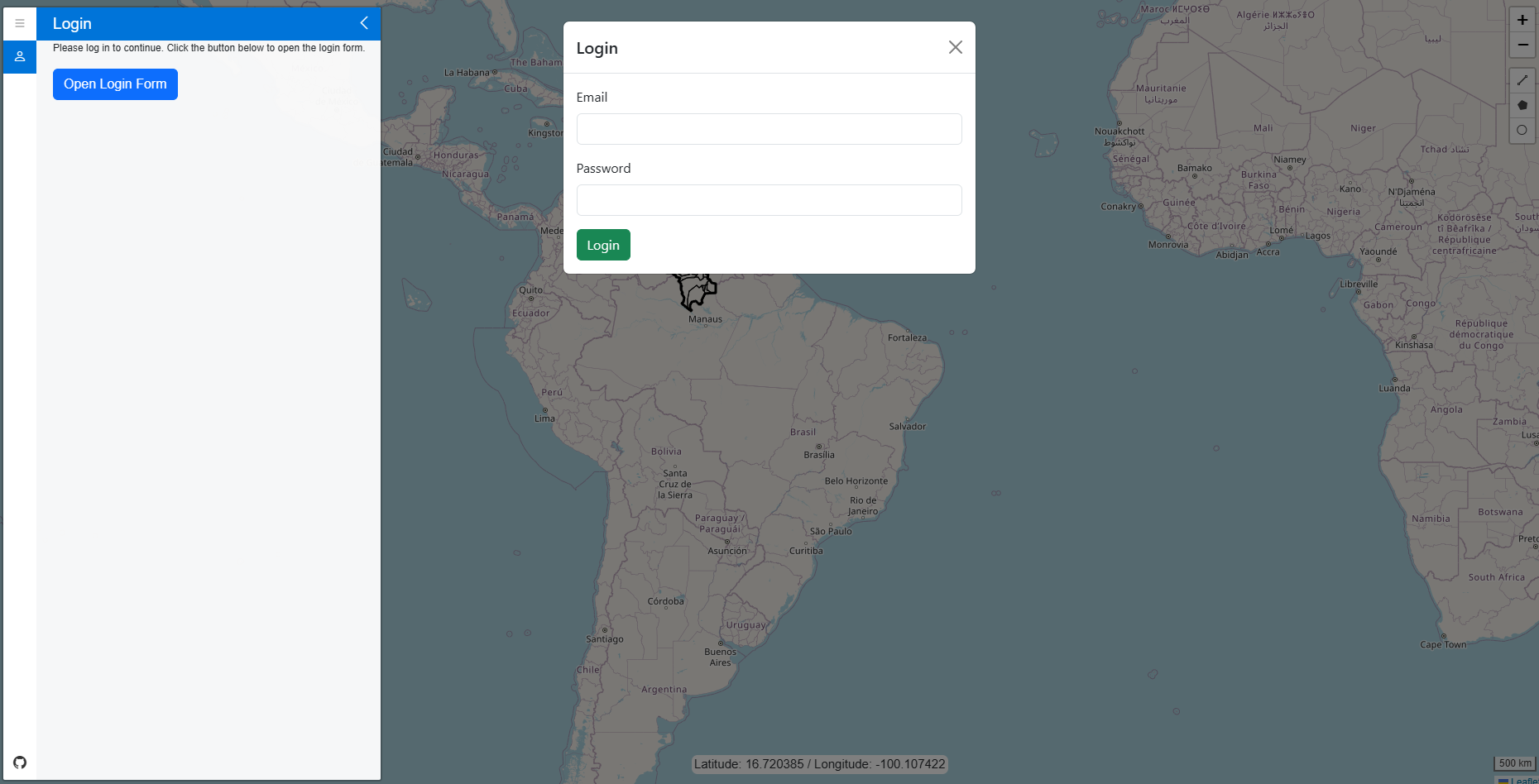
To access the functionalities related to polygon manipulation and drawing, the user must log in with an email and password. This authentication is performed in a simple way through the sidebar menu, in the user tab, where there is a button that opens a login modal.
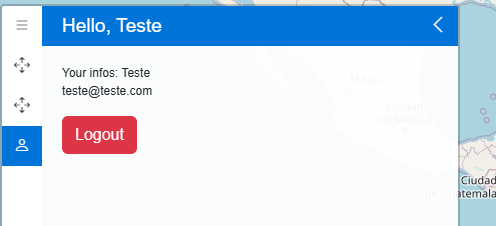
After login, the interface automatically adapts: the user tab starts displaying the logged-in account information and a logout button, in addition to unlocking new tabs in the sidebar menu, such as the polygon registration and editing options.
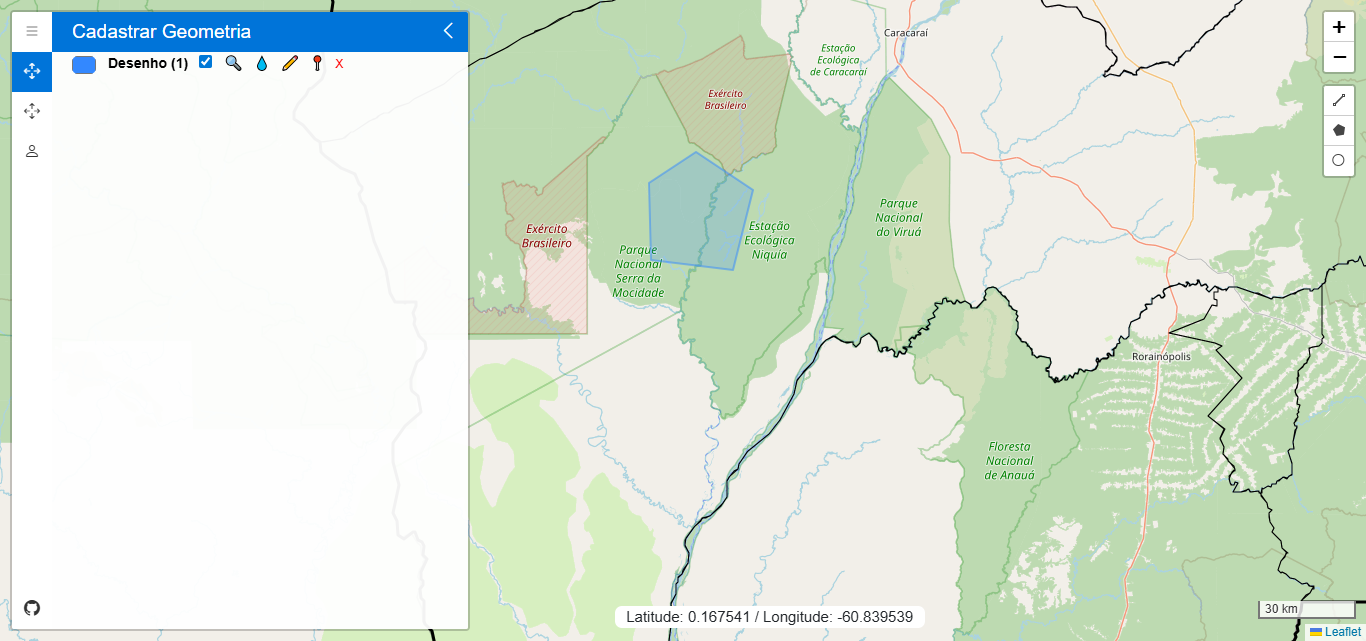
Once a vector is drawn, the system automatically creates a visual reference in the sidebar panel. Each geometry is listed with individual control options, allowing the user to change the border color, adjust fill opacity, zoom directly to the layer, toggle visibility on the map, or delete the vector. This interface ensures that users can manage each element easily and efficiently, without the need to navigate through complex menus.
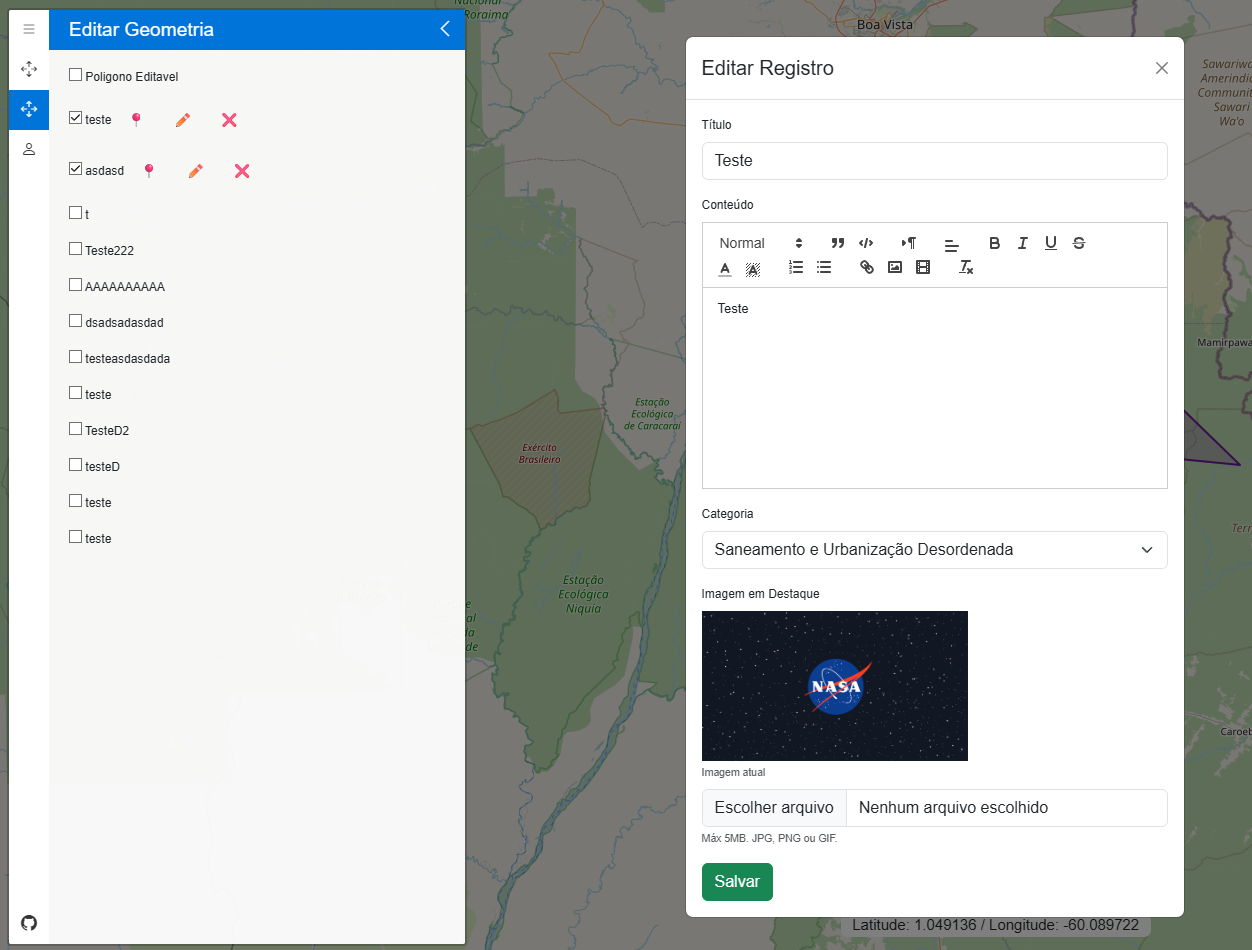
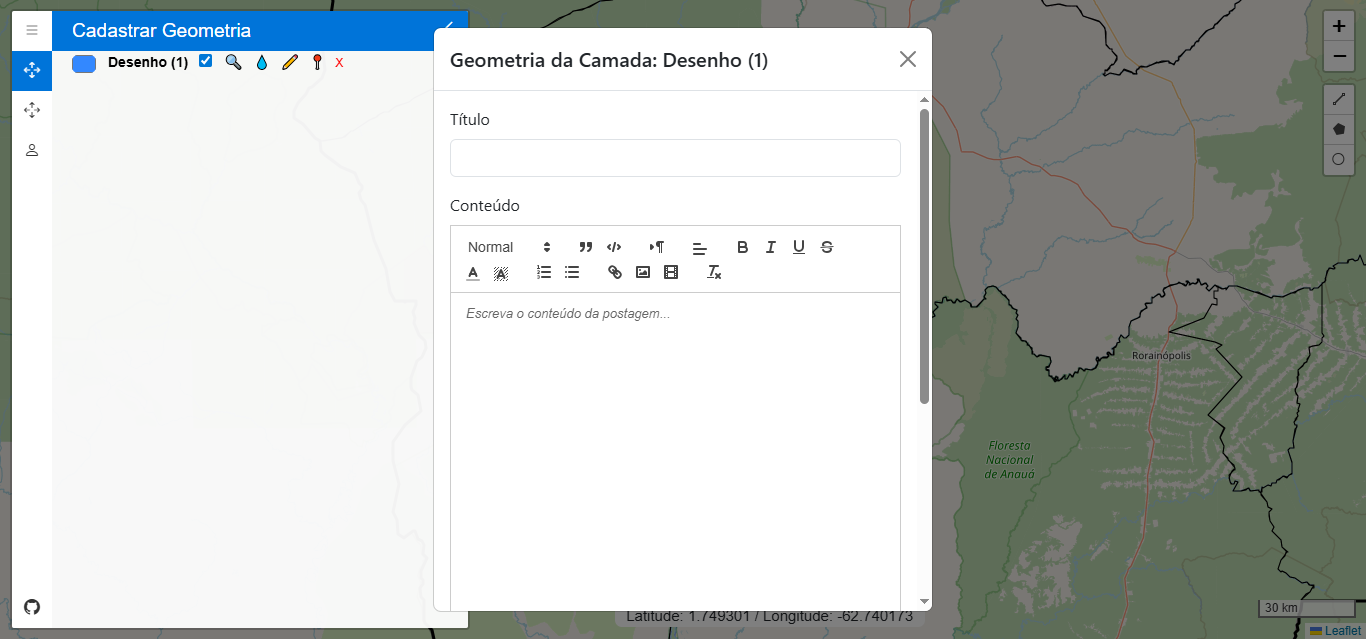
When clicking the save icon, the system opens a form in a modal where the user can fill in descriptive information about the geometry — such as the title, content, category, and featured image. These data are then associated with the drawn geometry, forming a complete set of spatial and descriptive information. When pressing the save button, this record is saved in the PostGIS database, and the record is displayed in the system.
With authenticated access, the user can fully edit the registered polygons. The button with the pencil icon allows changing the size or shape of the polygon directly on the map, and the modification is applied when the button is clicked again.
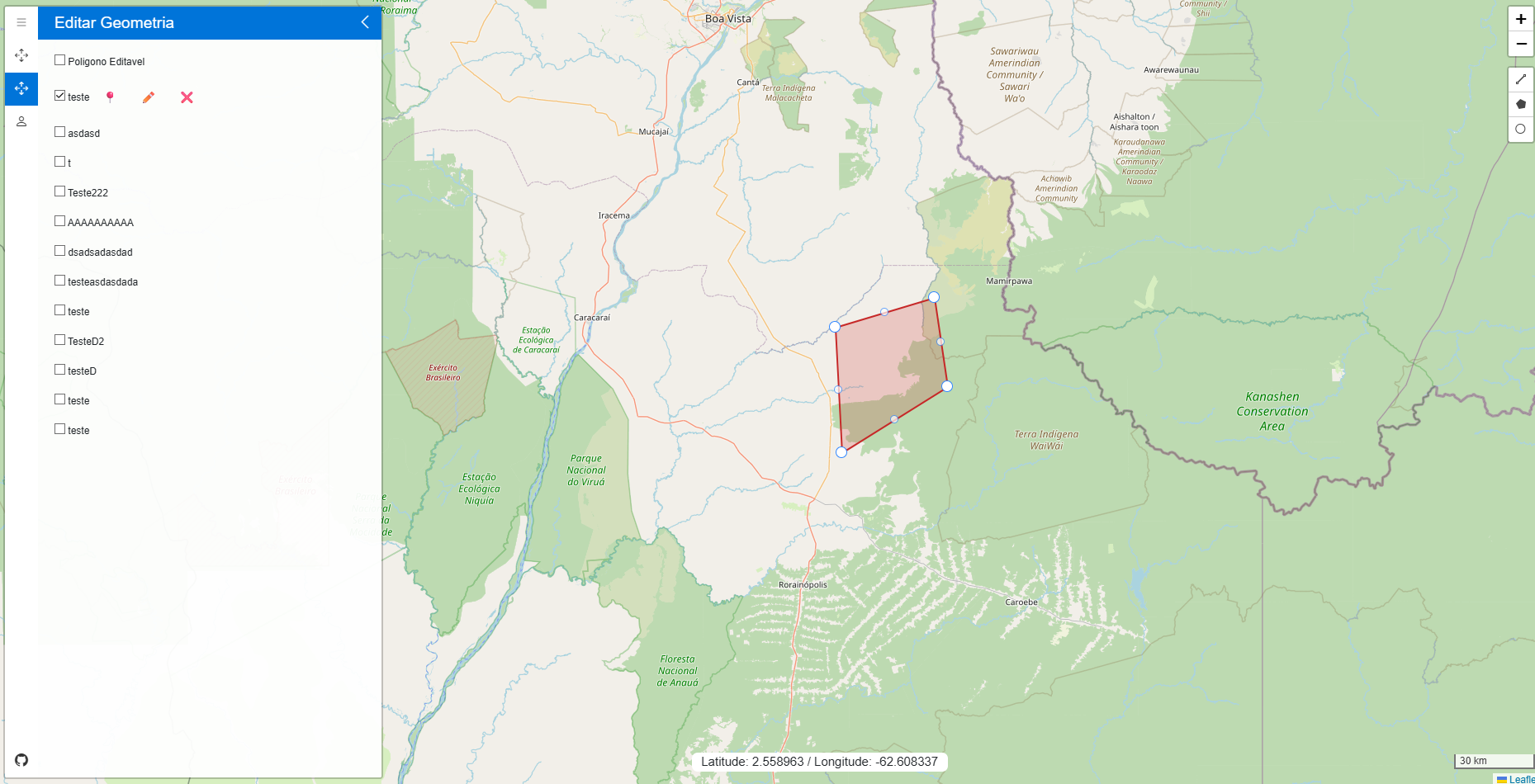
There is another button that opens a specific modal for editing the information associated with the vector, ensuring full control over both the data and the geometry.